 Film camera & photo editor
FilmGlass
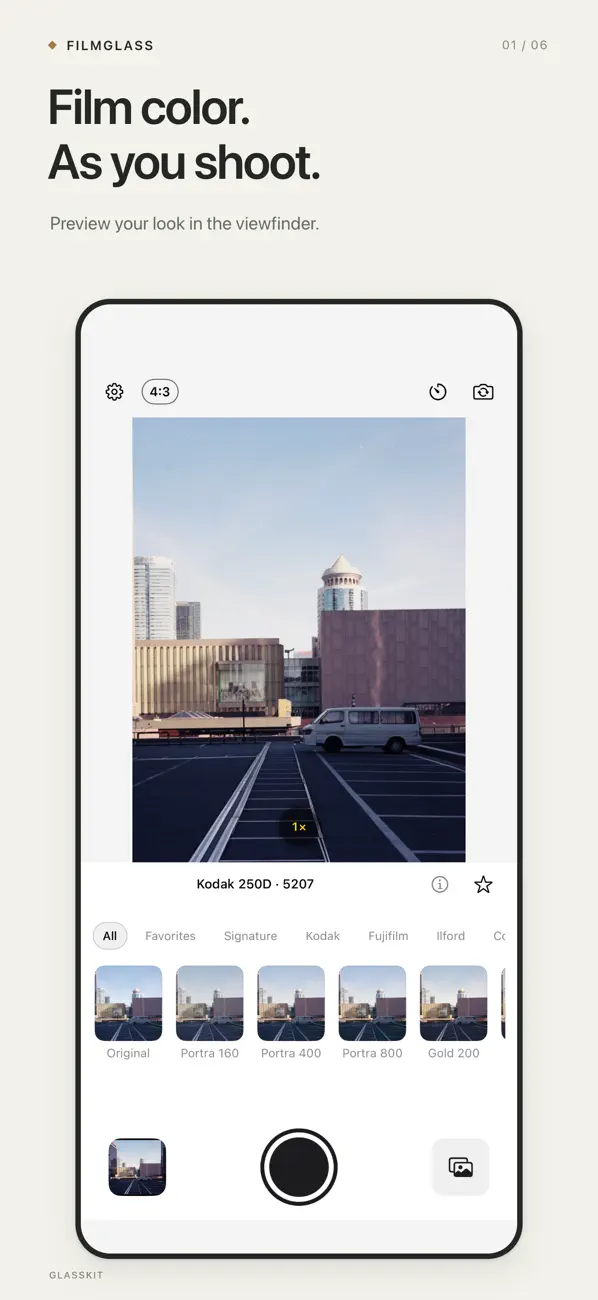
Choose the film color before the shutter clicks.
Watch the afternoon light shift through a slide-film look on your iPhone, or open a photo on your iPad and try a softer color negative. FilmGlass keeps the original so you can return to either interpretation.
By ArgentGlass Lab · iOS
From the viewfinder to the finished photograph
Set the look on location
Try color negative, slide, cinema or black-and-white looks while you frame. Adjust the strength as you watch the highlights and shadows in the scene.
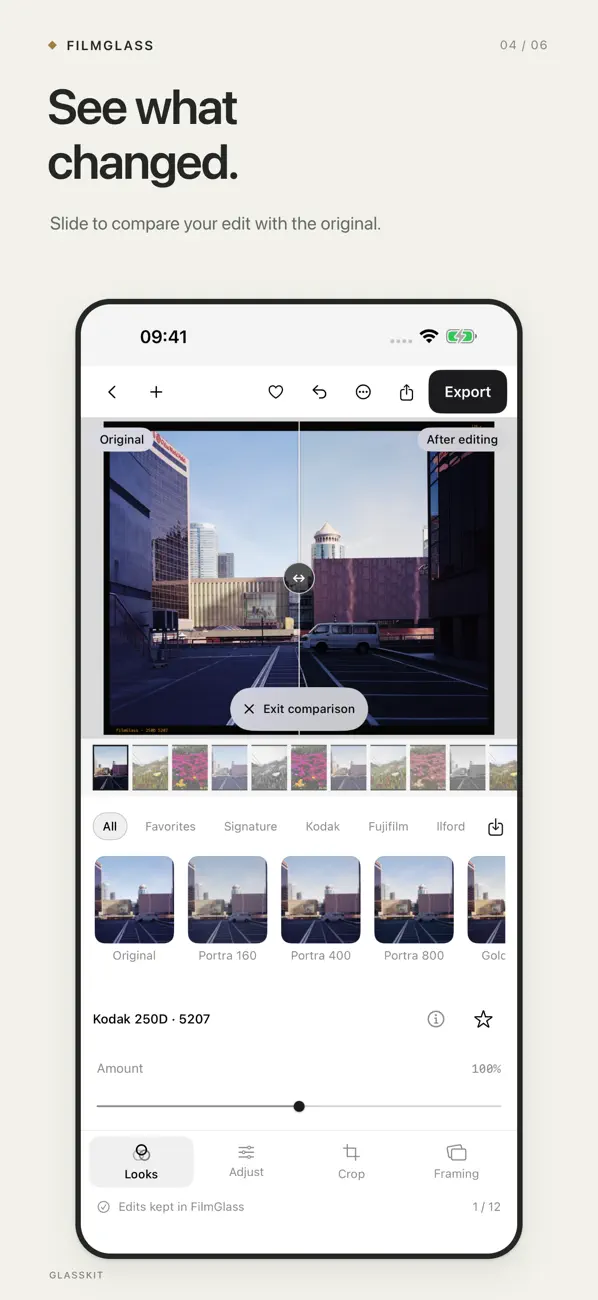
Compare color on the same frame
Keep your crop and basic corrections, then compare two looks in the A/B view. Fine-tune curves, grain and halation independently once you pick a direction.
Carry a treatment through a series
Save your adjustments as a recipe and apply it to another photo. Add a print border or a 35 mm film edge, then export a finished HEIC or JPEG to Photos. Processing happens on your device.